Pixel Pak:
The Pixel Art Editor
In Your Pocket
Draw, animate and ship pixel art from your phone, tablet or PC. Layers, animation, tile maps, normal maps, hitboxes and one-click Unity setup, all in one editor that works with a finger as well as a mouse. Free to start, no account, works offline.
See It Work
Made For Real Game Art
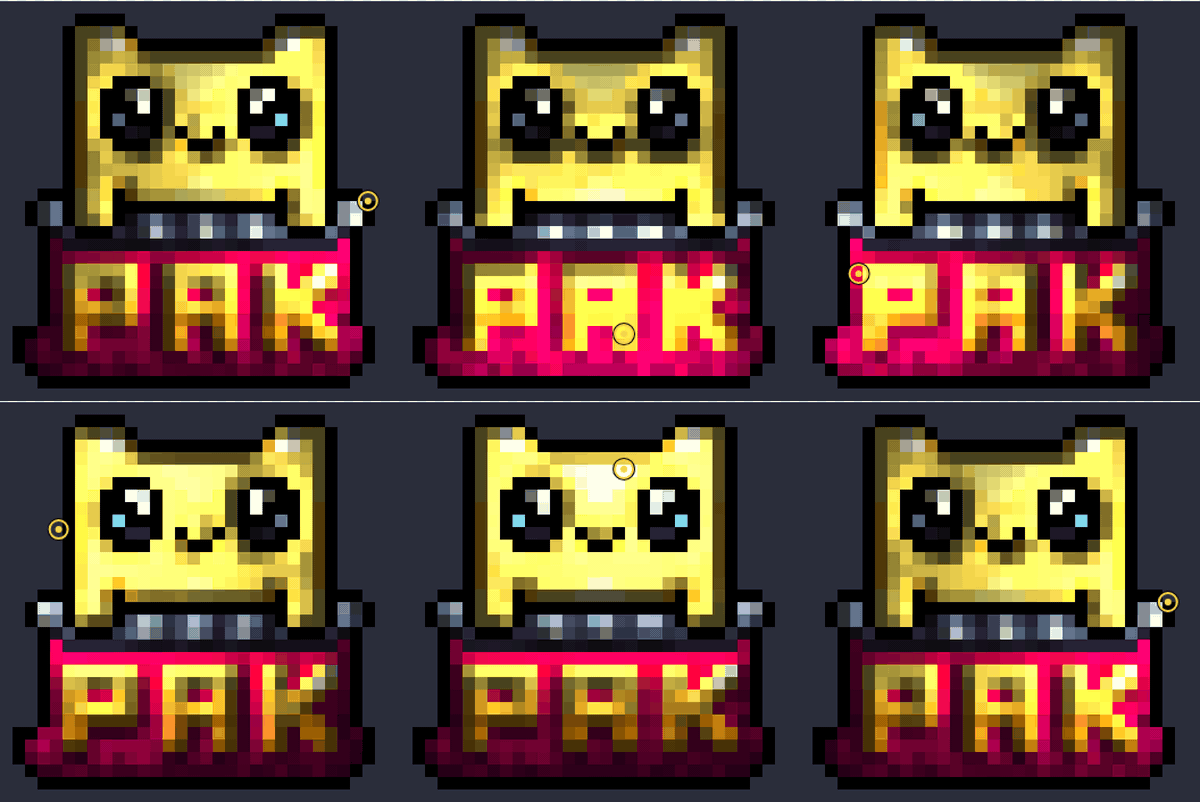
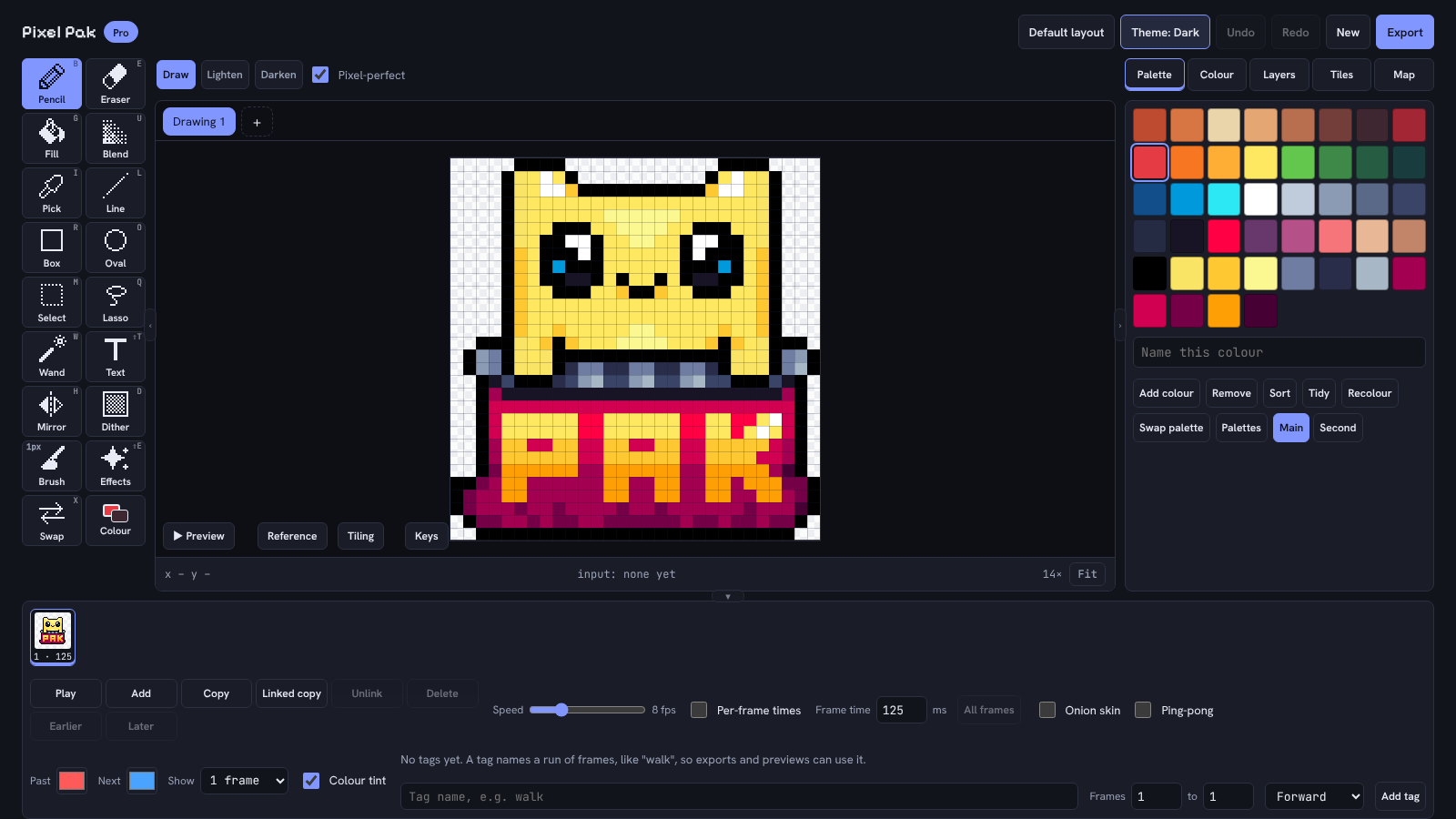
Every picture on this page is the real app, drawn with the Pixel Pak logo and our own sprites.
Animate Anything
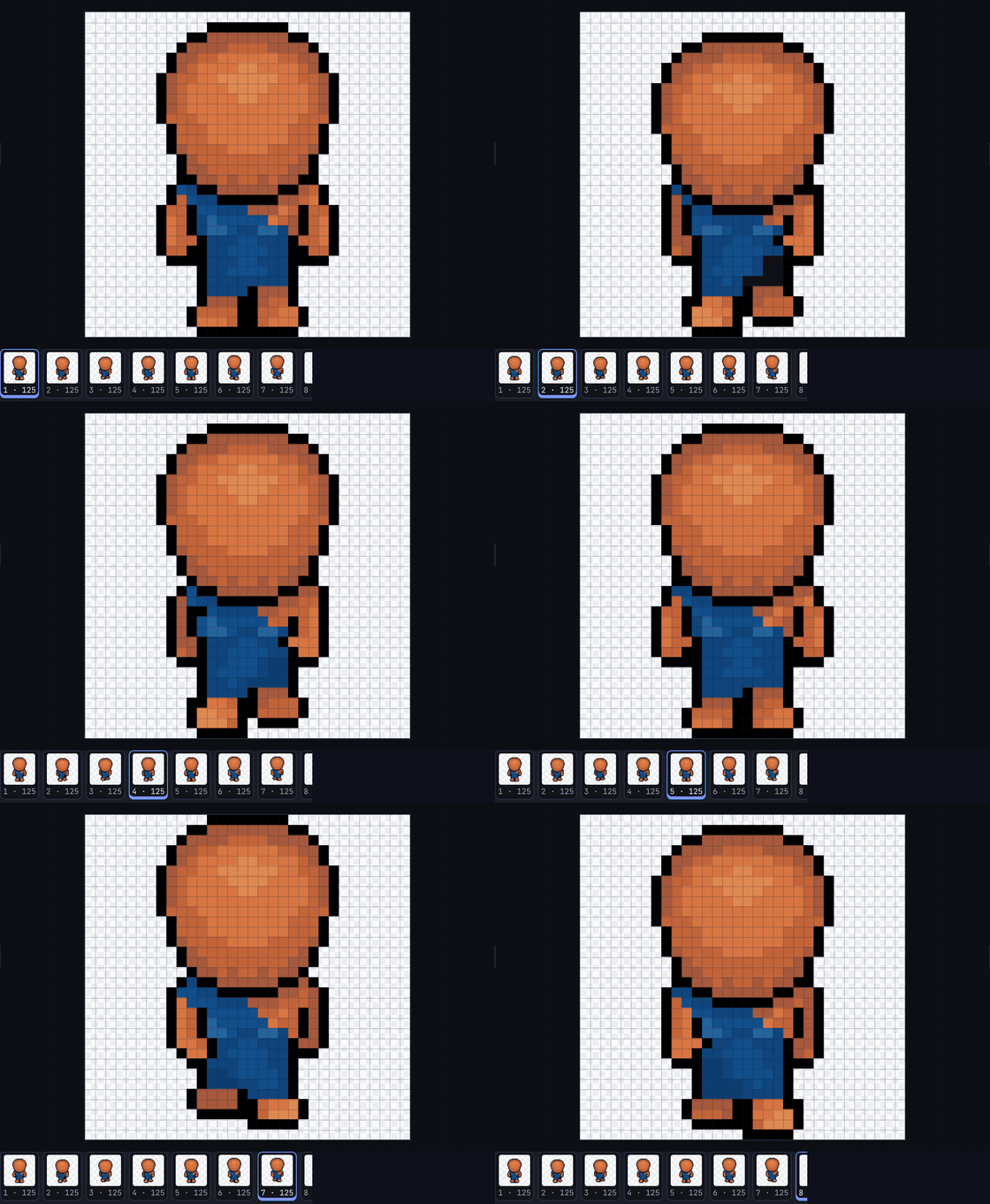
Frames, onion skin, per-frame timings, ping-pong and named tags like "walk" and "jump". Hit Play and watch it move while you tweak it.
- Export GIF, animated PNG or a sprite sheet
- In-betweens and motion paths make frames for you (Pro)
- Palette cycling for water, fire and glowing things (Pro)
Swap Palette In One Click
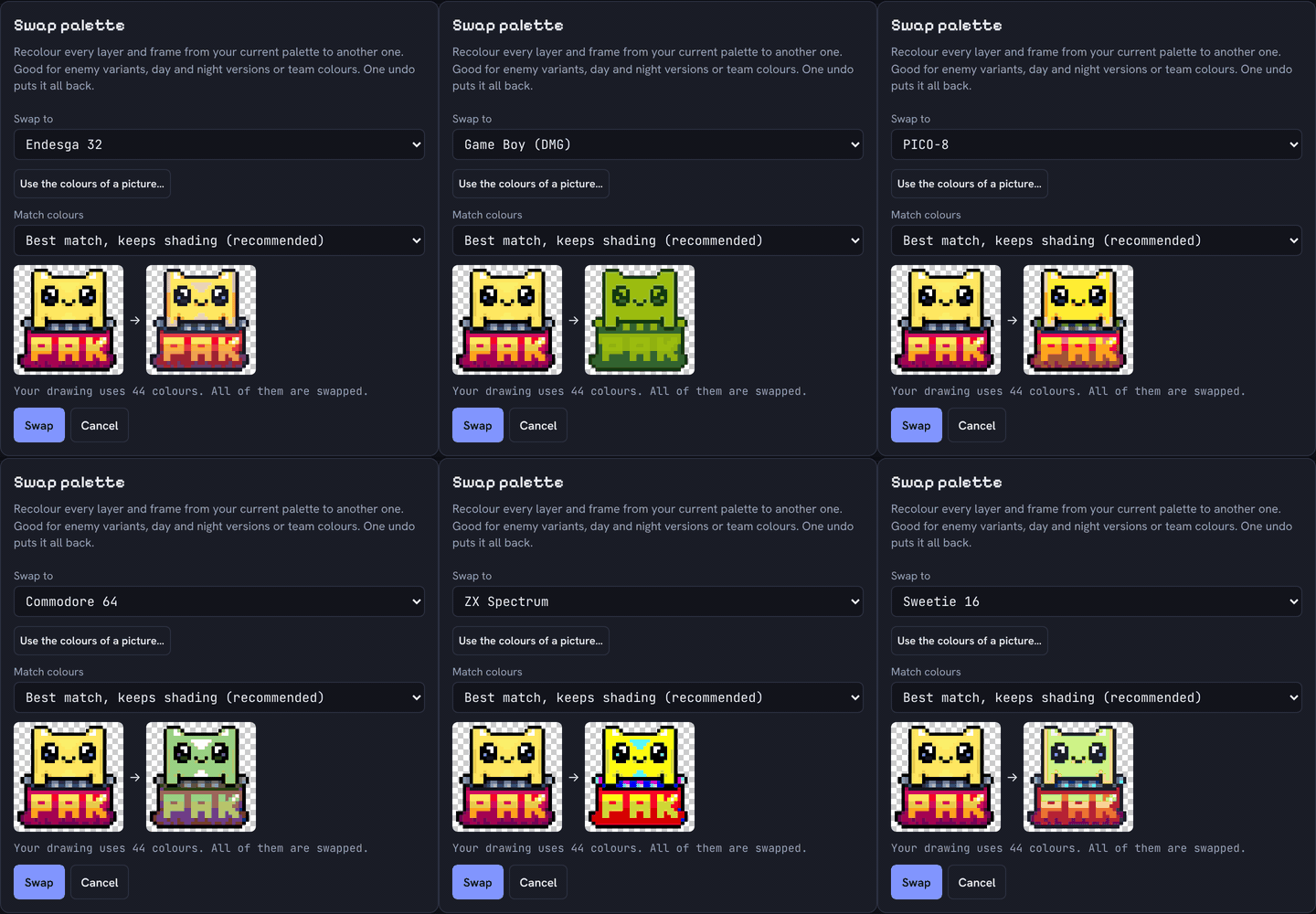
Turn a whole drawing, every layer and frame, into Game Boy green, PICO-8, NES, Commodore 64, ZX Spectrum and more. Shading is kept, and one undo puts it all back.
- Great for enemy variants, day and night, team colours
- Lock your palette to a real console as you draw
- Take the colours from any picture
Normal Maps With A Test Light
Make a normal map from your art so Unity and other engines can light flat pixel art. Drag a light around to check it before you save. Saves as a matching _n.png.
- Height from brightness, a height layer, or a rounded shape
- Seamless tiles and DirectX style supported
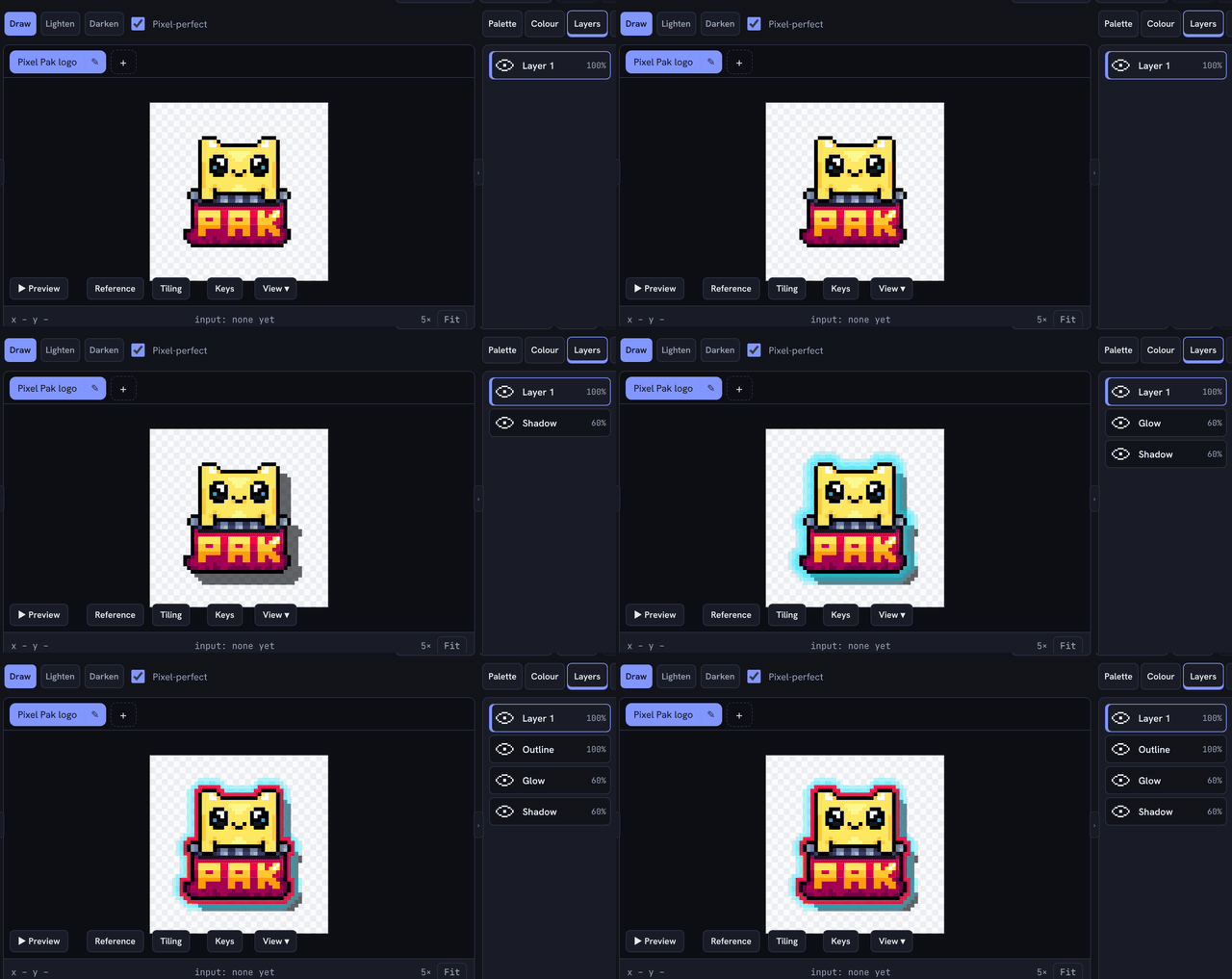
Shadow, Glow And Outline On Their Own Layers
Drop shadows, outer and inner glow and outlines land on new layers above or below your art, so you can fade them, move them or switch them off. Apply again and it replaces the old one instead of piling up.
- Preview before you apply
- Works on one frame or all of them
- One undo removes the lot
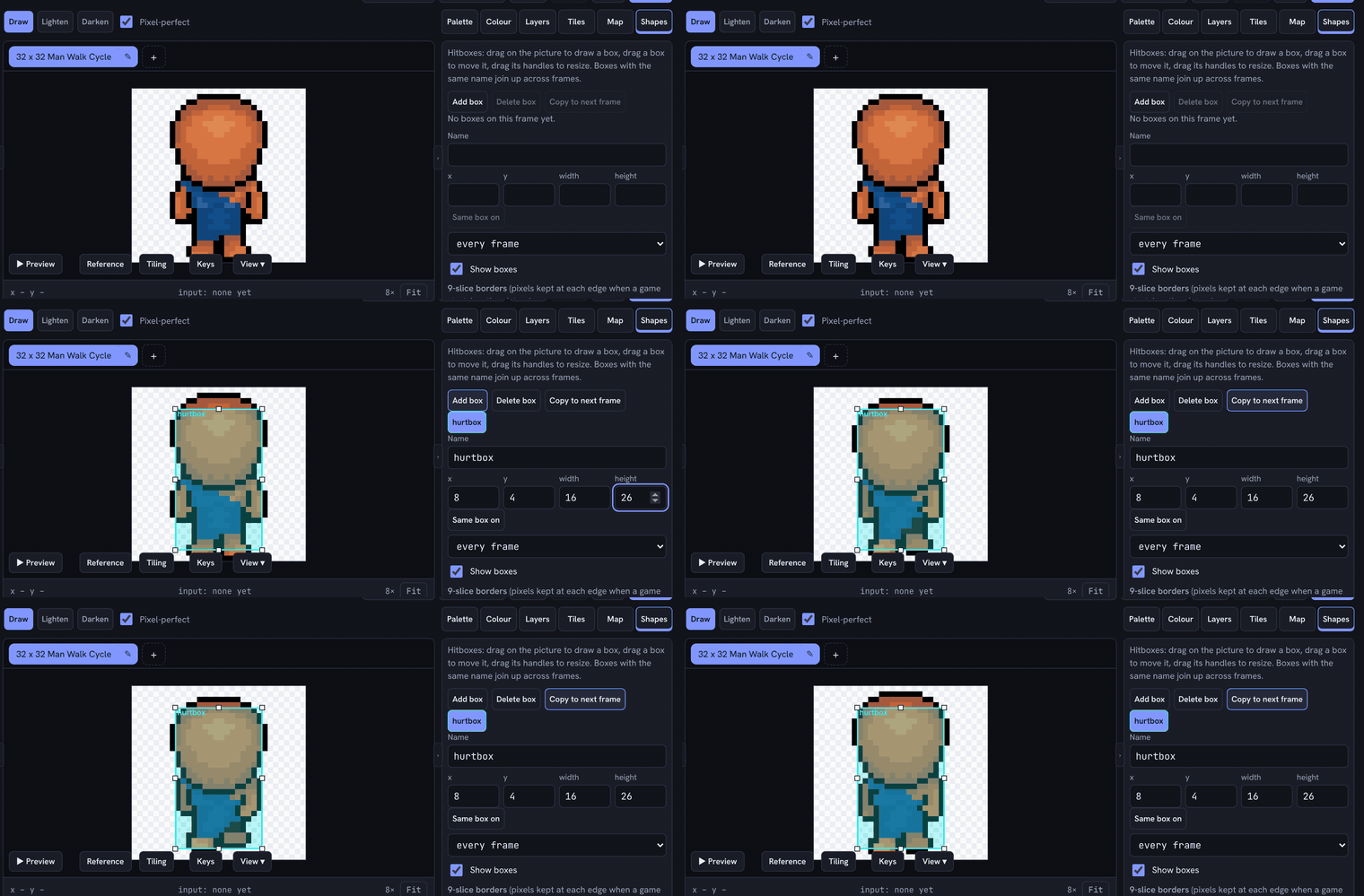
Hitboxes And 9-Slice, Built In
Draw named hitboxes straight on your frames, copy them across an animation, and set 9-slice borders for stretchy UI panels. They go out with your export.
- Unity helper script in the bundle: one click slices the sheet, sets point filtering, builds the animator and clips, and bakes hitboxes into your prefab
- Plain JSON atlas with pivots for any other engine
Screenshots
The Editor
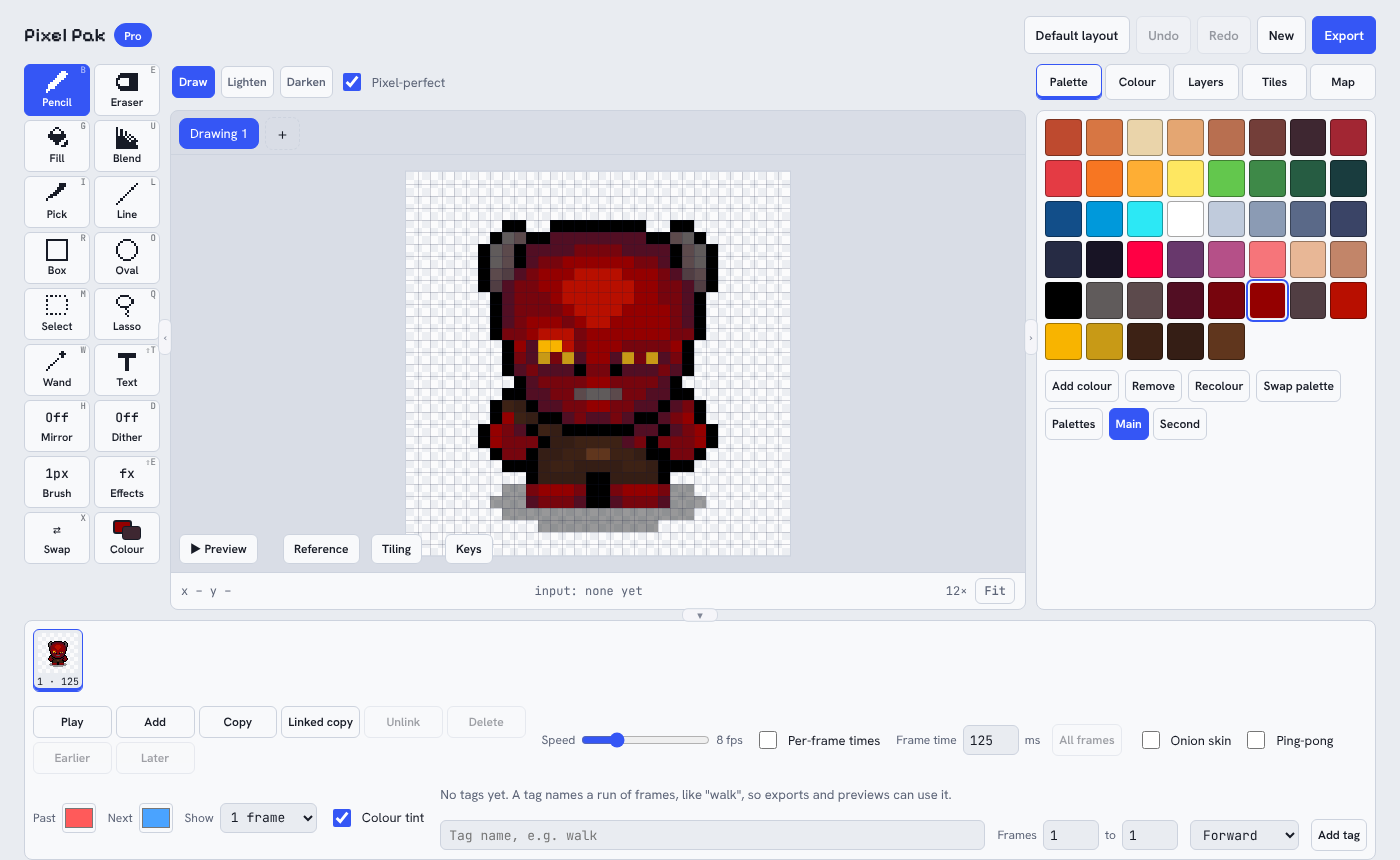
Built for thumbs and mice. Tools down the left, canvas in the middle, palette and layers on the right, animation frames along the bottom. On a phone it rearranges itself so everything is in easy reach.
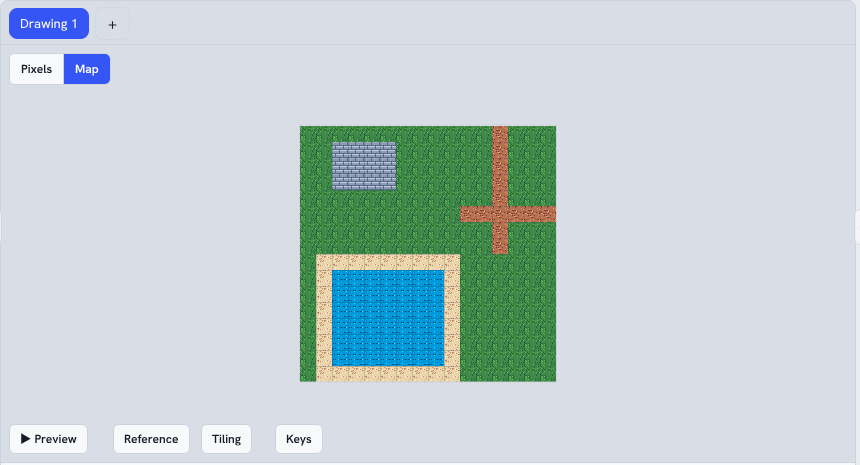
Tile maps. Draw a tileset, then stamp whole levels. Autotiling picks the right edge pieces for you.
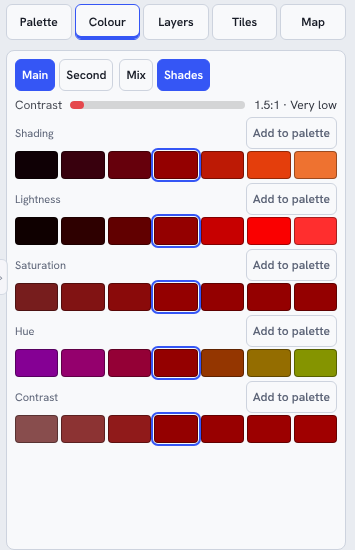
Colour tools. Shading, hue and contrast rows, plus a bar that tells you if two colours stand out enough from each other.
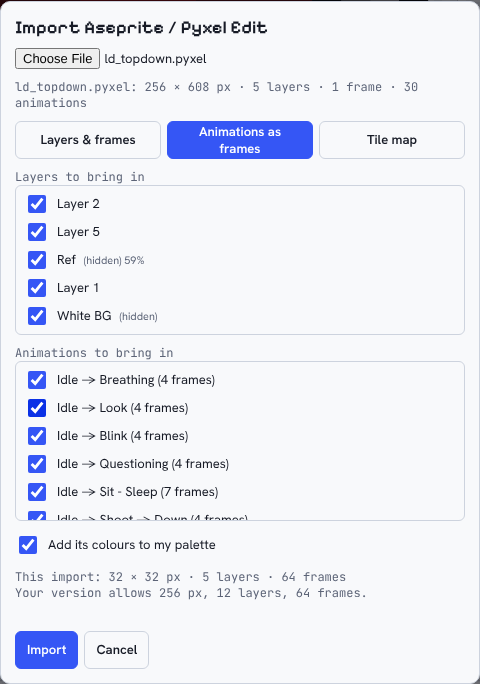
Bring your old work. Open Aseprite and Pyxel Edit files for free: layers, frames, tags, frame times, blend modes and tile maps come across, and anything that cannot is listed for you.
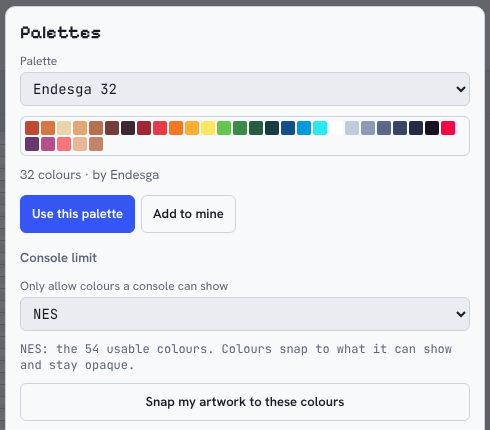
Console limits. Pick NES, SNES, Game Boy, Master System and more, and your colours lock to what that machine can show.
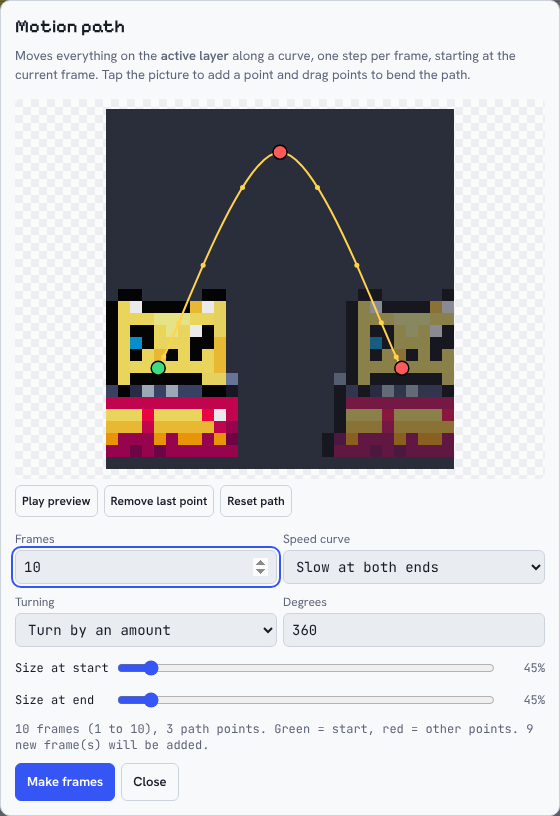
Motion paths. Draw a curve, pick the frames and a speed curve, and Pixel Pak makes the animation for you.
Light, Dark or Auto. One button in the header. Auto follows your device.
Features
What's Inside
Layers
Stack, hide, reorder, clip and blend with 14 blend modes. Free has 2 layers, Pro has 12.
Animation
Frames, onion skin, per-frame timings, ping-pong and named tags. Export GIF or animated PNG.
Tile Maps
Build tilesets and levels in the same tool, with autotiling. Export for Tiled in Pro.
Selection Tools
Box select, wand and freehand lasso. Grow, shrink and smooth a selection. Shift to add, right-click to take away, or use the Add and Subtract buttons on touch.
Palettes
Built-in palettes from Endesga 32 to PICO-8, plus GIMP, JASC, Paint.NET and Lospec files.
Retro Mode
Lock to a real console palette, or swap a finished drawing into one in a click.
Effects
Outline, contrast, replace colour, and shadow, glow and inner glow on their own layers.
Smart Scaling
Scale2x, Scale3x and RotSprite rotation keep edges crisp.
Hitboxes & 9-Slice
Named boxes per frame, 9-slice borders and pivot points, exported with your sheet.
Unity Helper
An editor script in the zip bundle sets up the sprite sheet, animator, clips and hitboxes in one click.
Game-Ready Exports
PNG, GIF, sprite sheets with a JSON atlas, and a zip bundle. Pick any export size, from 1× up.
Aseprite & Pyxel Edit Import
Open .aseprite, .ase and .pyxel files for free, as a new drawing so your open work is safe.
Normal Maps
Generate one from your art with a movable test light, then save a matching _n.png.
Motion Paths
Move a sprite along a curve with easing, turning and scaling.
Offline, No Account
Install once and it works without internet. Projects save as .pxpak files on your own device.
And more...Mirror drawing, dither patterns, text, tiling preview, reference images, colour-blind preview, rulers and guides, and new things added all the time.
Free & Pro
Start Free, Upgrade When You're Ready
Free is a real editor you can keep using. Pro lifts the limits and adds the power tools. Your free drawings open in Pro exactly as they are.
| Free | Pro | |
|---|---|---|
| Biggest canvas | 32 × 32 px | 512 × 512 px |
| Layers | 2 | 12 |
| Animation frames | 4 | 64 |
| Tile map size | 16 × 16 | 128 × 128 |
| Drawings open at once | 1 | 8 |
| Lasso, Blend, Text, Mirror, Dither | Not included | Included |
| Shadow, glow and contrast effects, replace colour | Not included | Included |
| Hitboxes, 9-slice and the Unity helper | Not included | Included |
| Smart scaling and RotSprite | Not included | Included |
| In-betweens, motion paths, palette cycling | Not included | Included |
| Save normal maps (_n.png) | Not included | Included |
| Palette import, pivot points | Not included | Included |
| Sprite-sheet atlas, Tiled export, zip bundle | Not included | Included |
| PNG and GIF export, Aseprite and Pyxel Edit import, swap palette, normal map preview, 14 blend modes, light and dark theme, pencil, fill, wand, shapes, selection, palettes, console limits | Included | Included |
Questions
Good To Know
Do I need an account?
No. Open the app and start drawing. Pro needs a licence key, which you paste in once.
Does it work offline?
Yes. Once it has loaded, it works without internet. Pro needs to be online occasionally to refresh your licence, and keeps working for up to 30 days between checks.
Where is my artwork stored?
On your own device, in your browser, and in the project files you save. Nothing is uploaded when you draw. Save a .pxpak file now and then as a backup.
Does it work with Unity?
Yes. Export a zip bundle and tick the engine script: in Unity, Tools > Pixel Pak does the sprite sheet settings, slicing, animator, clips and hitboxes in one click. The atlas is plain JSON, so other engines can read it too.
I changed phone. Can I move my licence?
Yes. Each licence works on 3 devices, and you can remove an old device from inside the app's Licence window to free a space.
Is it a subscription?
No. Pro is a single payment, taken securely by Polar.
Who makes Pixel Pak?
Pixel Pak is built by MI Pixel Ltd, the small UK indie studio behind Little Devil and Defend from Candyland!, because we wanted a pixel art editor that worked as well on a phone as on a PC.
Try It Now
Ready To Draw?
Start free in your browser, no sign-up, and unlock Pro for £9.99 when you need more. Questions or feedback? Email Michael@MIPixel.co.uk.